
Aviator is a crash game by Spribe in which an increasing curve rises until the round crashes. The player selects a stake and tries to cash out before that crash, so the timing of a request matters.
A press on the cash-out button is not the same as a settled bet. The device must send the request, the connection must carry it to the game server, and the server must receive it before the crash point.
How Aviator Settles Bets
Aviator rounds last about 8-30 seconds and normally have a few seconds between rounds. The crash point is fixed before take-off, so the result does not wait for a player to press cash-out.
The game uses a provably fair process that starts with a SHA-256 hash of the server seed. Player client seeds are combined with it, and the inputs become available after the round for checking with the verification tool inside the game.
The multiplier shown during a round is an increasing value, not a promise that the round will continue. When the crash occurs, a cash-out request that has not reached the server in time cannot settle at the displayed multiplier.
- The player presses the cash-out control.
- The device prepares and sends the request.
- The network carries the request to the server.
- The server checks whether the request arrived before the crash.
- The game records a cash-out only when that request is accepted.
This sequence explains why a player can see a multiplier on screen and still receive a time-out. The screen may show a value that was visible locally, while the server may already have received the crash or may not yet have received the request.
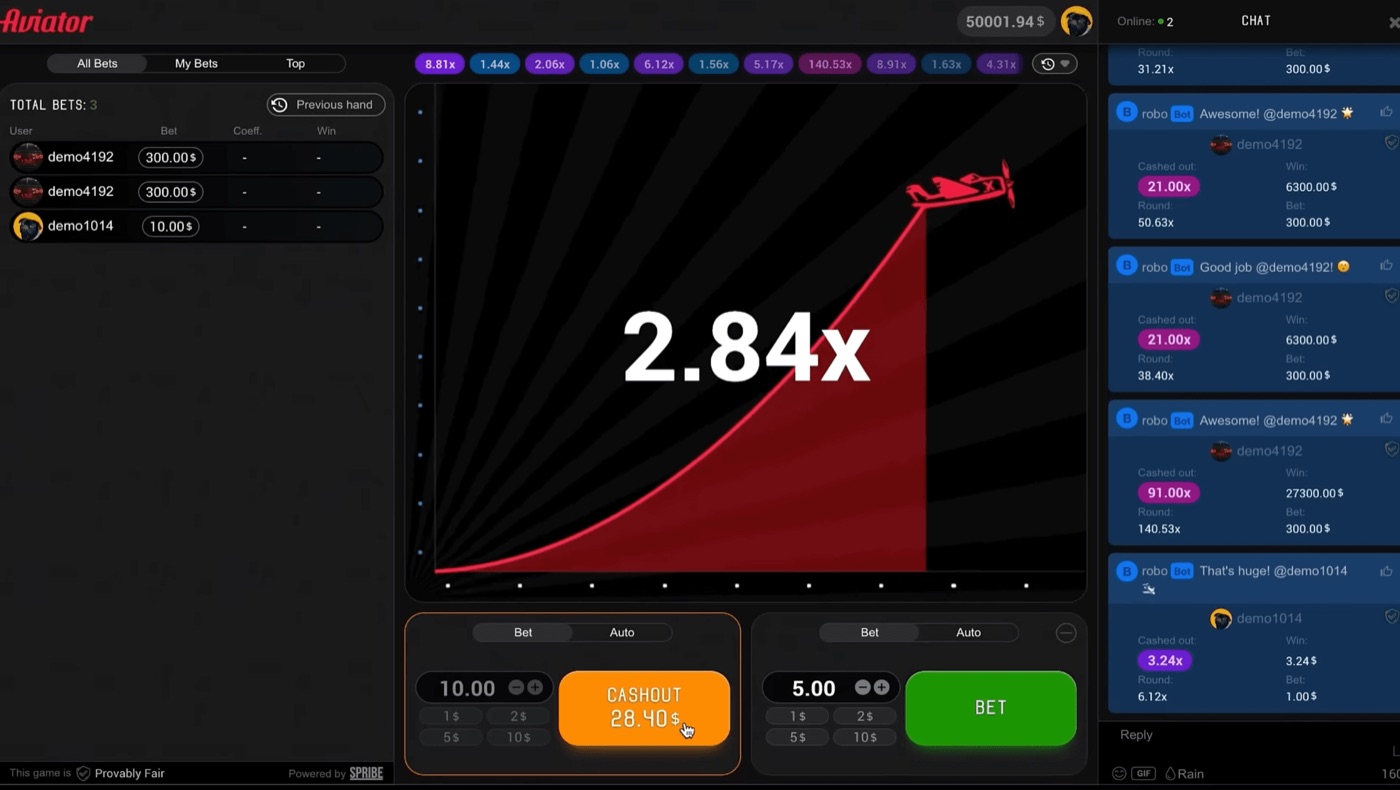
The Aviator interface shows live bets, chat and a cash-out at 28.40.
Aviator provides two bet panels per round, and each panel can use a separate cash-out. This means one player can send more than one request in the same round, but each request still has to reach the server before the crash.
What Latency Does
Latency adds travel time between a cash-out press and server receipt. A cash-out time-out occurs when the request does not complete before the relevant round ends.
Aviator was redesigned in version 2.0 to be 40% faster, lighter for slow connections and low-end phones, and more suitable for mobile use. Those design changes reduce the load of the game interface, but they do not remove network travel time.
Latency can come from several parts of the path between the player and the settled bet. The player sees the button on the device, but the server decides whether the request arrived in time.
- A slow connection delays the request leaving the device.
- A slow device can delay the response to a press.
- A busy or weak browser session can delay screen updates.
- The request can arrive after the crash even when the player pressed before it.
- A delayed display can show a multiplier that is no longer available for settlement.
The important boundary is server receipt, not the instant at which a finger or mouse activates the control. A player can press before the visible crash and still miss the settlement if the request travels too slowly.
The opposite can also cause confusion. A quick screen update does not prove that the cash-out has been accepted. The player needs the game response that confirms the cash-out, because the press alone does not settle the bet.
Latency does not alter the published crash point. Neither the operator nor Spribe can change a result after the round starts, and network delay does not create a new multiplier.
Why Devices Matter
Aviator works on desktop, tablet and mobile browsers and is built for low bandwidth and budget devices. A slow device can still delay a press, screen update or confirmation even when the game supports that device type.
Aviator has no standalone official app from Spribe. The game runs inside an operator website or app, while third-party applications called “Aviator” or “Aviator Predictor” are clones with virtual coins, advertisements or no real value.
Device performance affects what the player can see and how quickly the player can act. It does not move the fixed crash point or give a player a way to predict the next result.
- Open the game in the operator website or app.
- Allow the game interface to finish loading before placing a stake.
- Watch for the cash-out confirmation after pressing.
- Avoid treating a frozen or delayed screen as proof that the bet settled.
- Use demo mode to check how the interface responds without registration or a real stake.
Demo mode exists through an operator demo and demo.spribe.io. It can help a player understand the Bet and Auto tabs, the two bet panels, and the cash-out response without confusing a button press with a completed settlement.
Auto Cash-Out sends a preset instruction at a selected multiplier, while Auto Bet and Auto Play can run for 10-100 rounds with stop-on-win or stop-on-loss settings. These tools automate actions, but they do not cancel the need for the request to reach the server.
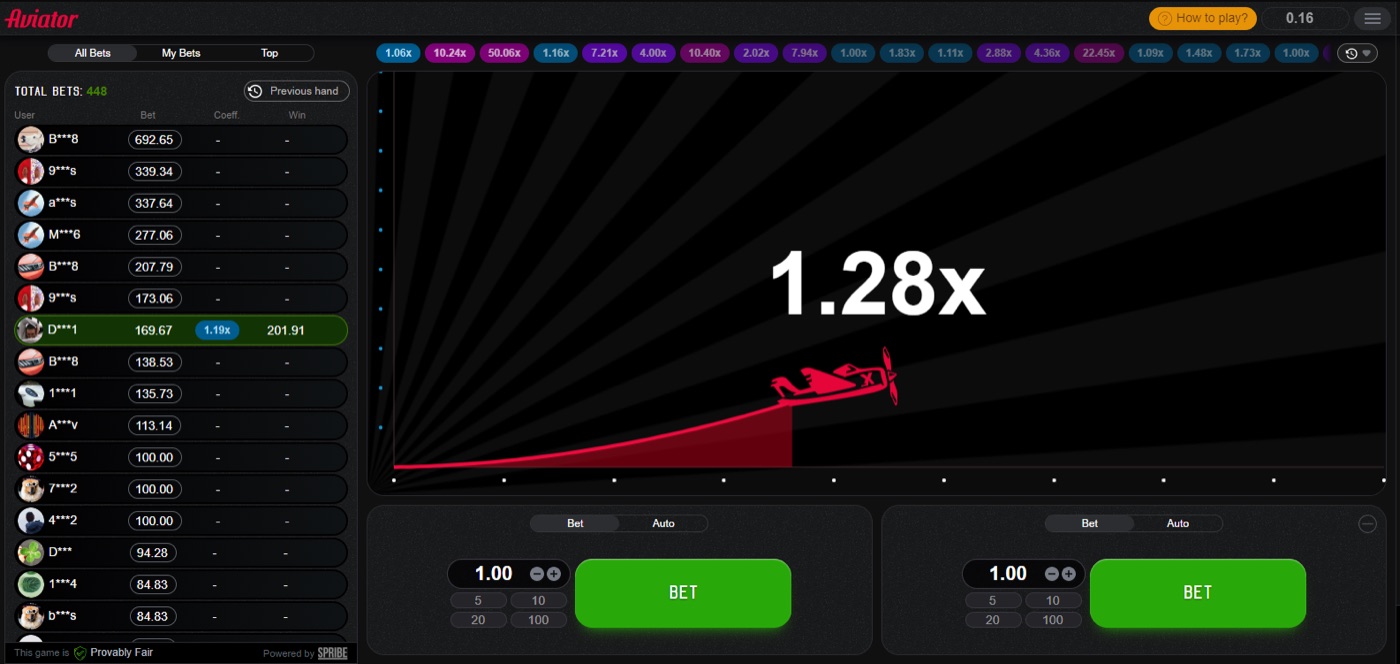
The plane in flight marks an active Aviator round before the crash.
A slow device can also make the round history, live bets panel or chat appear late. Those interface elements help show activity, but they do not confirm that a player’s own cash-out was accepted.
Why A Press Is Unsettled
A cash-out press becomes a settled bet only after the server accepts the request. Aviator’s live round can crash before that acceptance even when the control responds on the player’s screen.
The game records a multiplier only for a request received before the crash. A displayed number therefore describes what the interface showed, not automatically what the server settled.
Consider a round moving through 1.80x. The player presses cash-out while 1.80x is visible, but a slow device takes time to process the press and the connection carries the request after the crash at 1.86x. The press happened locally, but the bet did not settle at 1.80x.
Now consider a second case. The player presses at 1.50x and the server receives the request before the crash. The screen may update a moment later, but the earlier receipt is the event that settles the cash-out.
| Screen event | Server event | Settlement meaning |
|---|---|---|
| Cash-out button is pressed | No request received yet | The bet is not settled |
| Multiplier remains visible | Crash has already arrived | A later request cannot use that multiplier |
| Confirmation appears | Request was accepted before crash | The cash-out is settled |
| Time-out appears | Request did not complete in time | The press did not create a settled cash-out |
For a bookmaker’s crash game, a multiplier and cash-out request are separate events, so sportpesa kenya aviator should not be treated as settled merely because the player saw the button change.
- A visible multiplier is not a settlement record.
- A button press is not server acceptance.
- A confirmation is the relevant evidence of acceptance.
- A time-out means the request did not complete in time.
The same distinction applies to both manual and automatic cash-outs. Auto Cash-Out removes the need for a manual press, but the instruction still has to be processed and received before the crash.
Numbers Behind The Timing
Aviator has an RTP of 97% and a house edge of 3% at every cash-out target. The probability that a round reaches multiplier m is 0.97 divided by m.
Aviator has about 3% of rounds crashing instantly at 1.00x, or roughly 1 in 33 rounds. Rounds are independent, so previous multipliers do not alter the timing or probability of the next round.
| Target multiplier | Probability round reaches it |
|---|---|
| 1.2x | 80.8% |
| 1.5x | 64.7% |
| 2x | 48.5% |
| 3x | 32.3% |
| 5x | 19.4% |
| 10x | 9.7% |
| 20x | 4.85% |
| 50x | 1.94% |
| 100x | 0.97% |
At 1.5x, the published probability is 64.7%, while at 2x it is 48.5%. These figures describe whether a round reaches a target; they do not describe whether a delayed cash-out request reaches the server in time.
The expected value is negative 3% of the stake at every cash-out target. A different target changes variance, but it does not remove the house edge or solve a latency problem.
- RTP describes the long-run mathematical return.
- The multiplier describes the current round level.
- Latency describes request travel and processing time.
- Settlement depends on server receipt before the crash.
The game normally runs at 60-90 rounds per hour, with only a few seconds between rounds. More rounds create more opportunities to send a request, but they do not make a late request valid.
Practical Timeout Checks
Aviator’s interface includes a Provably Fair badge and a history of previous multipliers. Those features help check game results and past rounds, but they do not prove that a timed-out cash-out was accepted.
Operator limits and bet settings depend on the operator, while typical stakes range from about $0.10 to $100 per bet. A player should check the displayed rules and confirmation for the relevant operator rather than assume that every interface behaves identically.
Before a real round, a player can reduce avoidable delays by checking the device and interface. These steps cannot guarantee a successful cash-out because the request still depends on the connection and the crash timing.
- Close unnecessary activity that slows the device.
- Use the operator website or app that hosts the game.
- Wait for the round controls and balance to finish loading.
- Test the interface in demo mode first.
- Use Auto Cash-Out only after understanding that it remains a server request.
- Look for confirmation instead of relying on the press or screen multiplier.
Playing off-peak may make the connection smoother, but it does not improve the odds. It also does not change the independent nature of rounds or the 3% house edge.
Players should not use patterns, graph analysis, a “best time to play” claim or a strategy chart to explain a time-out. Prediction is impossible because the crash point is committed by hash before take-off, and public signal bots cannot change that result.
A player should keep stakes within a planned limit and stop when the chosen loss limit is reached. Betting should not continue to recover a timed-out cash-out.
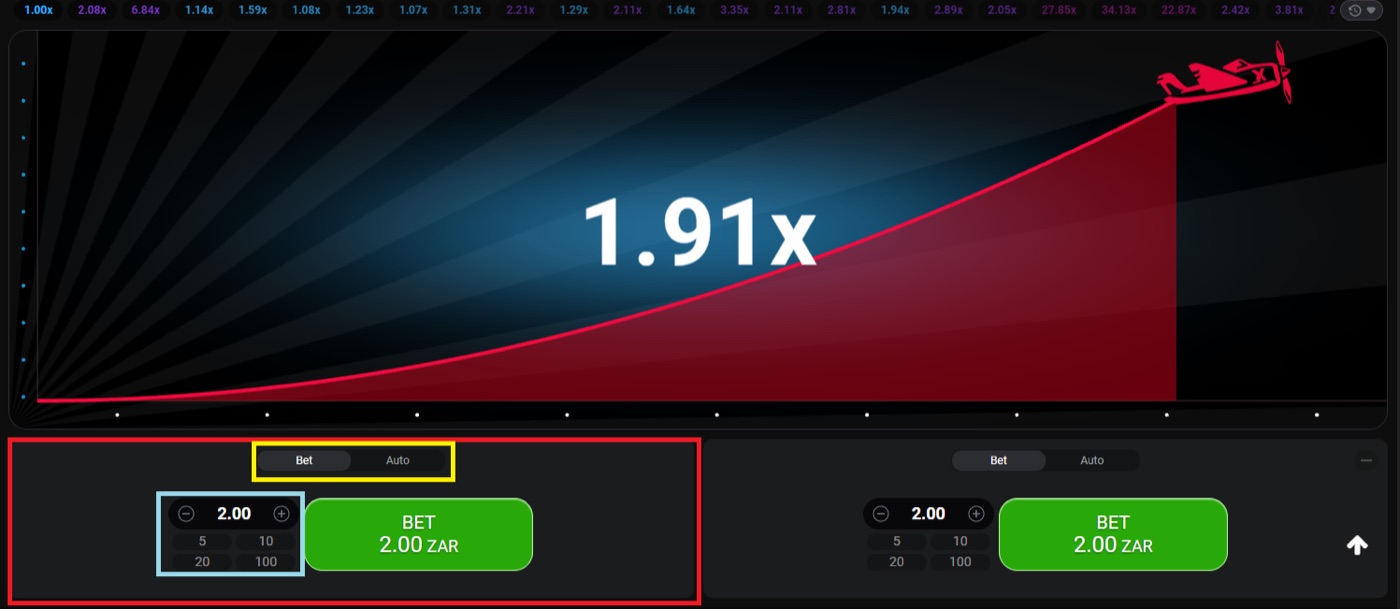
A desktop round shows the multiplier, the two bet panels and the round history strip.
Aviator FAQ
Aviator launched in early 2019 and first went live on Adjarabet in February 2019. Spribe describes the game as a social multiplayer game with an increasing curve that can crash at any time.
Aviator is a crash game and instant game, not a slot. It has no bonus round, and its cash-out timing depends on request receipt before the crash.
Why did my cash-out time out?
The request may have reached the server after the crash because of latency, a slow device or delayed processing. A press alone does not settle the bet.
Can I predict the next Aviator crash?
No. The crash point is fixed before take-off through the provably fair process, and the relevant inputs can be checked after the round. Patterns and predictor applications do not change the result.
Does a slow phone change the multiplier?
No. A slow phone can delay the display or the cash-out request, but it does not change the fixed crash point.
Does Auto Cash-Out avoid latency?
No. Auto Cash-Out uses a preset multiplier, but the instruction still has to be processed and received before the crash.
How can I tell whether a bet settled?
Look for the game’s confirmation rather than relying on the button press or the multiplier visible on screen. A request is settled only when the server accepts it before the crash.
Can I play Aviator without risking a stake?
Yes. Demo mode exists through an operator demo and demo.spribe.io, and it needs no registration. The demo can show the interface without creating a real-money settlement.